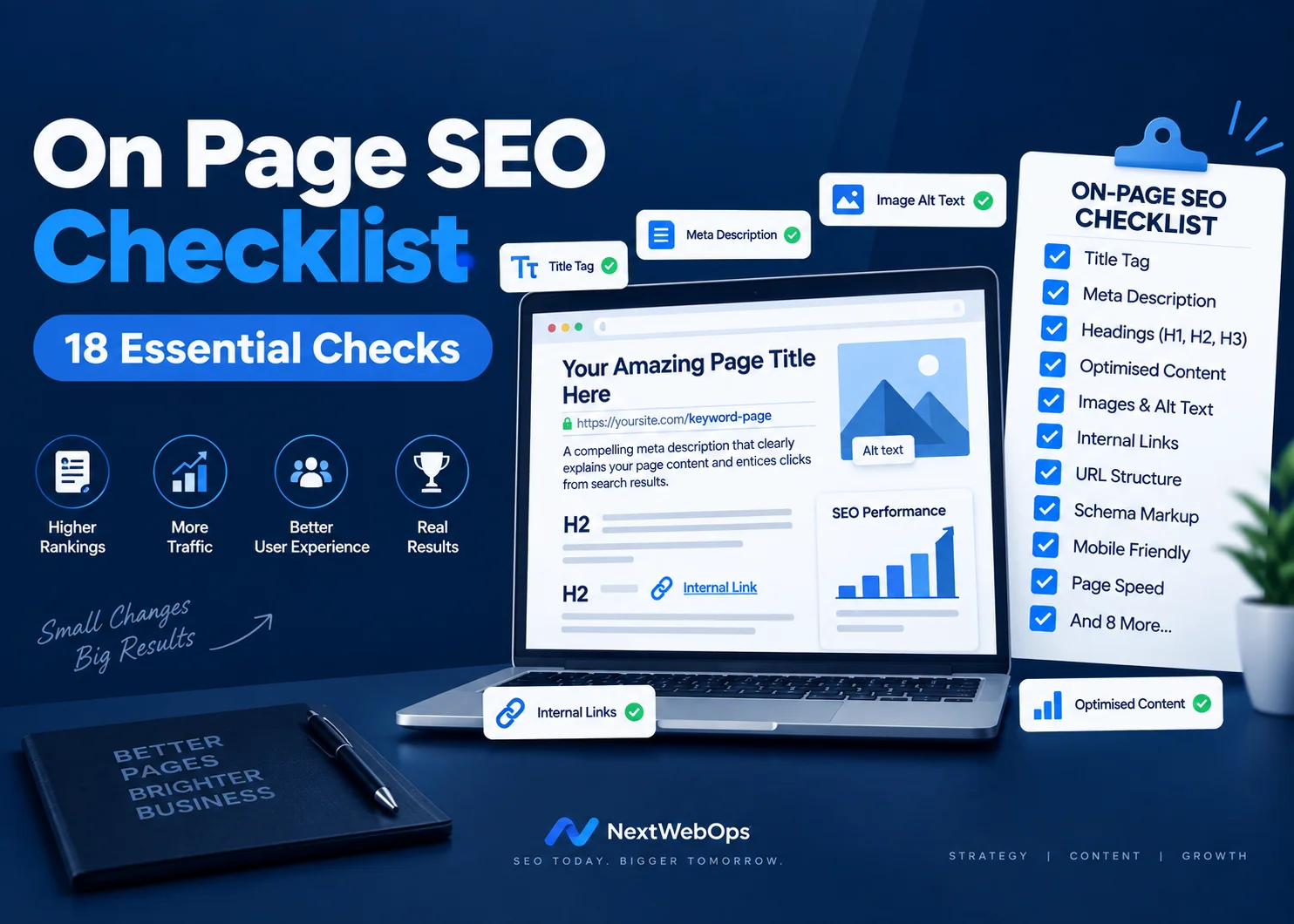
On page SEO checklist tasks are easy to overlook when you are preparing a new article or webpage for publication. A page may contain useful information, but missing SEO titles, poor headings, unoptimized images, weak internal links, or incomplete metadata can reduce its chances of performing well in search results.
Following a consistent on page SEO checklist helps you review these elements before publishing. Instead of relying on memory, you can work through the same process for every page and make sure the content is properly structured for both search engines and visitors.
This guide covers 18 important checks you can complete before publishing or updating a page.
What Is On-Page SEO?
On-page SEO is the process of optimizing elements directly within a webpage to improve its search visibility, relevance, usability, and overall quality.
These elements include:
- SEO titles
- Meta descriptions
- URLs
- Headings
- Page content
- Keyword usage
- Internal links
- External links
- Images
- Alt text
- Page structure
Unlike off-page SEO, which includes factors such as backlinks from other websites, on-page optimization focuses largely on elements you can control directly.
If you are optimizing an existing page rather than preparing a new one, performing an on-page SEO audit can help identify missing or poorly optimized elements.
1. Choose a Primary Focus Keyword
Every page should have a clearly defined primary topic.
Before writing or optimizing the content, decide which search term best represents what the page is about.
For example, the primary keyword for this guide is on page seo checklist.
You can also use related phrases naturally, including:
- On-page SEO optimization
- SEO checklist
- On-page SEO factors
- SEO publishing checklist
- Page optimization checklist
Your primary keyword gives the page a clear focus, while related terms allow you to explain the topic naturally without repeating exactly the same phrase in every paragraph.
2. Understand Search Intent
A well-optimized page still needs to provide what the searcher actually wants.
Before publishing, ask:
What is someone searching this keyword expecting to find?
Search intent normally falls into several broad categories:
- Informational: The user wants to learn something.
- Commercial: The user is comparing products, services, or solutions.
- Transactional: The user is ready to take an action such as purchasing or signing up.
- Navigational: The user is looking for a particular website or page.
A person searching for an on page SEO checklist is most likely looking for practical steps they can follow. That makes a detailed checklist more useful than a general discussion of what SEO means.
You can also review the pages already ranking for your target keyword to understand the content format and questions Google currently associates with that search.
3. Use a Clear H1
The H1 is normally the main heading of the page.
It should clearly communicate the topic to both readers and search engines.
A strong H1 should:
- Describe the main topic
- Include the focus keyword naturally where appropriate
- Be easy to understand
- Match the content of the page
On most WordPress themes, the post title automatically becomes the H1. If that is how your website is configured, you should not manually add another H1 inside the article body.
Use H2 and H3 headings to organize the remaining sections.
4. Create a Logical Heading Structure
Headings make long content easier to scan and help establish relationships between different parts of the article.
A typical structure is:
H1: Main page title
H2: Main sections
H3: Supporting sections within an H2
Do not select heading levels simply because you prefer their visual size.
For example, if a section discusses image optimization and you need subsections for compression and alt text, the structure could be:
H2: Optimize Images
H3: Compress Images
H3: Write Alt Text
This gives both visitors and search engines a predictable content hierarchy.
5. Optimize Your SEO Title
The SEO title is one of the most important elements of your search result.
It should accurately describe the page and encourage relevant users to click.
For an on page SEO checklist, placing the primary keyword near the beginning of the SEO title makes the topic immediately clear.
A good SEO title should:
- Include the primary keyword
- Communicate a clear benefit
- Be relevant to the content
- Avoid unnecessary words
- Stay within a reasonable display length
Rank Math allows you to control the SEO title separately from the visible post title. Always review the search preview before publishing.
6. Write an Optimized Meta Description
A meta description summarizes the page for users viewing it in search results.
While Google can sometimes choose its own description from the page, providing a relevant meta description remains an important publishing step.
Your meta description should:
- Describe what the page contains
- Include the primary keyword naturally
- Give the searcher a reason to visit
- Avoid excessive keyword repetition
For this article, the meta description should clearly communicate that the reader will receive a practical on page SEO checklist covering content, headings, images, links, and metadata.
7. Create a Short, Descriptive URL
A page URL should be simple enough for users and search engines to understand.
For this article, a clean URL is:
nextwebops.com/on-page-seo-checklist/
Avoid URLs that contain unnecessary information such as:
- Random numbers
- Long strings of words
- Publication dates that are not required
- Unrelated category names
- Unnecessary stop words
Once a page is published and starts receiving traffic or backlinks, avoid changing its URL without a good reason. If a URL must change, use the appropriate redirect.
8. Include the Focus Keyword Early
Your page should establish its subject quickly.
Including the primary topic in the opening paragraph helps readers confirm that they have reached the right page.
It also prevents long introductions that discuss several unrelated ideas before addressing the actual search query.
Your focus keyword does not need to appear in every sentence. The goal is to use the on page SEO checklist phrase where it sounds natural while also using related language throughout the article.
9. Cover the Topic Thoroughly
SEO settings cannot compensate for content that does not answer the user’s question.
Before publishing, review the article from the reader’s perspective.
Ask whether there are:
- Important questions left unanswered
- Sections that need more explanation
- Repeated sections that add little value
- Claims that need supporting information
- Topics included only to increase word count
There is no universal word count required for SEO.
A page should contain enough information to satisfy the user’s search intent. Some topics need only a short explanation, while comprehensive guides may require several thousand words.
Google’s own guidance on creating helpful content emphasizes producing content primarily for people rather than creating pages simply to manipulate search rankings.
10. Make the Content Easy to Read
Good readability helps visitors find information quickly, particularly on mobile devices.
Use formatting elements such as:
- Short paragraphs
- Clear headings
- Bullet lists
- Numbered steps
- Bold text where useful
- Enough white space
Avoid long blocks of uninterrupted text.
Many visitors scan an article before reading it closely, so headings and short sections can help them locate the information they need.
11. Add Relevant Internal Links
Internal links connect related pages within your website.
They are useful for visitors because they provide a path to additional information. They can also help search engines discover pages and understand relationships between different topics on your site.
For example, your on page SEO checklist is only one part of the publishing process. A complete WordPress publishing checklist can help you review categories, formatting, images, links, metadata, and other publishing tasks.
When adding internal links:
- Choose pages that are genuinely relevant
- Use descriptive anchor text
- Place links where they provide additional value
- Avoid adding excessive links
- Review older pages for new linking opportunities
Internal links should make navigating your website easier rather than distracting readers.
12. Optimize Anchor Text
Anchor text is the clickable wording used within a link.
Whenever possible, it should indicate what the linked page is about.
Generic anchors such as these provide little context:
- Click here
- Read more
- Learn more
- Go here
Instead, use descriptive wording that fits naturally into the sentence.
For example, our guide to internal linking best practices provides more detail about choosing relevant pages and creating useful anchor text.
Do not force the same keyword-rich anchor text into every link. Variation is natural and often better for readers.
13. Optimize Images Before Uploading
Images improve visual presentation, but unnecessarily large images can increase page size and slow loading.
Before uploading an image, check:
- Image dimensions
- File size
- File format
- Filename
- Alt text
Use descriptive filenames rather than camera-generated or random filenames.
For example:
on-page-seo-checklist.webp
is much clearer than:
IMG_736291.jpg
You can learn more about filenames, compression, image formats, and alternative text in our complete guide to image SEO.
14. Add Descriptive Image Alt Text
Alt text describes an image for users who cannot see it and is an important accessibility element.
It can also provide search engines with additional context about an image.
When an image genuinely represents the topic, the focus keyword can sometimes fit naturally into the alt text.
For example:
On page SEO checklist showing 18 optimization checks
This is much better than stuffing several unrelated keywords into the alt attribute.
Describe what the image actually shows. If the image is purely decorative, it may not need descriptive alt text.
15. Include Useful External Links
External links can provide readers with supporting information from authoritative sources.
You should not add an outbound link simply to satisfy an SEO tool, but linking to a relevant primary source can improve the usefulness of an article.
For example, Google’s SEO Starter Guide provides additional information about how Google recommends organizing and optimizing website content.
Before publishing, check that outbound links:
- Go to the intended page
- Are still active
- Support the surrounding information
- Come from an appropriate source
- Use appropriate link attributes
Ordinary editorial links to useful resources generally do not need to be marked nofollow. Sponsored or paid links should be handled differently.
16. Review Keyword Usage
Once the content is complete, review how often and where your primary keyword appears.
A strong on page SEO checklist article should make its topic obvious without repeating the same phrase unnaturally.
Your primary keyword can appear naturally in areas such as:
- Post title
- SEO title
- Meta description
- URL
- Opening paragraph
- Selected headings
- Body content
- Relevant image alt text
Do not attempt to reach an arbitrary keyword density by inserting the phrase into sentences where it does not belong.
Use closely related terms throughout the content so the article remains natural and comprehensive.
17. Review Your Rank Math SEO Settings
After completing the content, open the Rank Math SEO panel and review its recommendations.
Check:
- Focus keyword
- SEO title
- Meta description
- URL
- Keyword placement
- Internal links
- External links
- Image alt text
- Content length
- Content readability
- Title readability
- Schema settings
A good on page SEO checklist should include this final plugin review because small issues are easy to miss during content production.
However, Rank Math’s score is a recommendation system rather than a direct Google ranking score.
Do not make content awkward simply to turn every recommendation green. The page should remain useful and natural for readers.
18. Perform a Final Front-End Quality Check
Do not rely only on what you see inside the WordPress editor.
Preview the finished page on the front end before publishing.
Check both desktop and mobile versions for:
- Correct heading sizes
- Paragraph spacing
- Image alignment
- Broken images
- Broken links
- Mobile readability
- Buttons and calls to action
- Author information
- Categories
- Metadata
- Unexpected formatting
This step is particularly important when content has been copied from Google Docs, Microsoft Word, or another CMS because unwanted formatting can sometimes carry over.
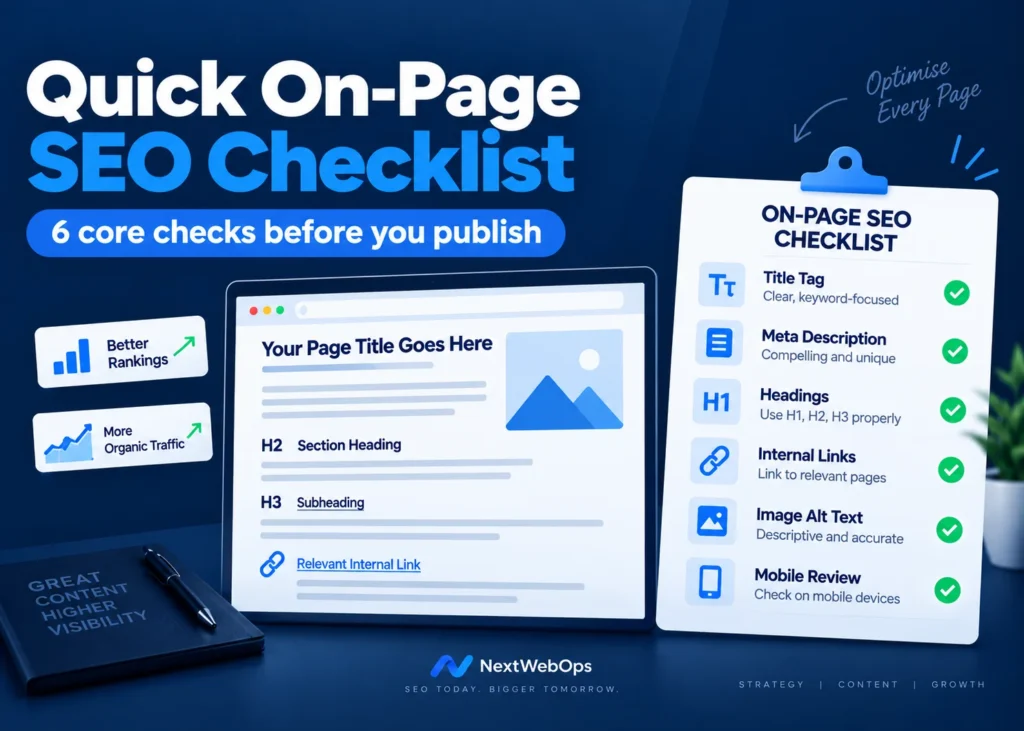
Quick On Page SEO Checklist Before Publishing
Use this final on page SEO checklist before clicking Publish:
- ✓ Primary focus keyword selected
- ✓ Search intent confirmed
- ✓ One clear H1 used
- ✓ H2 and H3 structure reviewed
- ✓ Focus keyword included in the SEO title
- ✓ Meta description added
- ✓ Short descriptive URL created
- ✓ Focus keyword appears early in the content
- ✓ Topic is covered thoroughly
- ✓ Content is easy to read
- ✓ Internal links added
- ✓ Anchor text reviewed
- ✓ Images resized and compressed
- ✓ Image filenames optimized
- ✓ Alt text added where appropriate
- ✓ Useful outbound links checked
- ✓ Keyword usage reviewed
- ✓ Rank Math recommendations checked
- ✓ Desktop and mobile page reviewed
A Consistent SEO Process Produces Better Pages
Good on-page SEO does not depend on one setting, one keyword, or one plugin score.
It comes from consistently optimizing the small elements that contribute to a complete page.
Your title needs to communicate the topic. Your headings need to organize the content. Images should be properly prepared. Internal links should connect relevant information. Metadata should accurately represent the page, and the finished article should be easy to use on both desktop and mobile.
Using the same on page SEO checklist every time you publish can make that process faster and more reliable.
It also creates greater consistency across your website because each article goes through the same quality-control process before publication.
Frequently Asked Questions About an On Page SEO Checklist
What should an on page SEO checklist include?
An on page SEO checklist should include keyword research, search intent, SEO titles, meta descriptions, URLs, heading structure, content optimization, internal linking, external links, image optimization, alt text, and final quality checks.
How often should I perform on-page SEO checks?
Perform the main checks before publishing every new page. You should also periodically review older pages because links, search intent, information, and competing search results can change over time.
How many times should I use my focus keyword?
There is no fixed number that works for every article. The primary keyword should appear naturally in important areas of the page without making the writing repetitive or difficult to read.
Should the focus keyword appear in every heading?
No. Use the keyword in headings when it naturally describes the section. You do not need to place it in every H2 or H3.
Does Rank Math automatically optimize a page?
No. Rank Math can identify possible optimization issues and help manage SEO settings, but you still need to create useful content, optimize headings and images, add relevant links, and review the finished page.
Is a high Rank Math score enough to rank on Google?
No. A high Rank Math score means the page meets many of the plugin’s recommended checks. Rankings can also depend on content quality, competition, backlinks, website authority, technical SEO, user intent, and other factors.
Leave a Reply